V30 vs V60 vs V90: Picking a Memory Card for Your Skydiving Camera
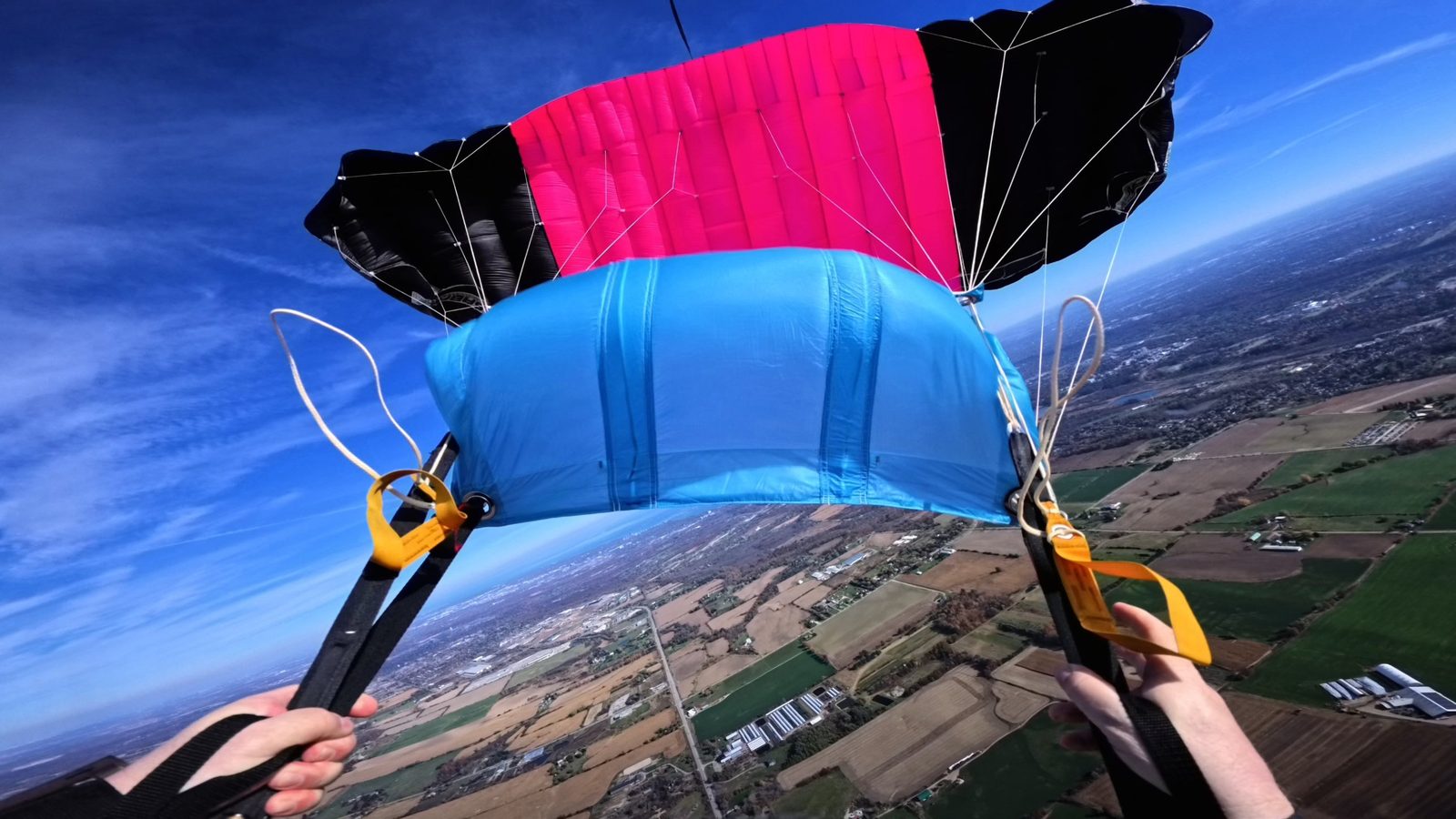
You just bought your first GoPro or Insta360, and the card aisle is a wall of V30, V60, V90, U3, A2 and "up to 200 MB/s." Here's what actually matters for jump footage, and why you need less card than the box is selling you.
The quick answer
- GoPro or Insta360: a V30, UHS-I microSD card from a major brand. V60 and V90 add nothing in these cameras.
- Size: two 64 GB cards for a GoPro, two 128 GB cards for a 360 camera.
- Mirrorless camera flyers: check your manual. High-bitrate video modes can require V60 or V90.
Before you jump a camera at all, check the camera experience guidance from your national body (USPA in the US, CSPA in Canada) and talk to your DZ's instructional staff.
What V30, V60 and V90 actually mean
The V number is the card's guaranteed minimum sustained write speed, in megabytes per second. It's set by the SD Association, and it's the number that decides whether your camera can record without stopping.
| Rating | Guaranteed sustained write | Same thing in video bitrate | Usual card type | Built for |
|---|---|---|---|---|
| V30 | 30 MB/s | 240 Mbps | UHS-I | 4K action cams, 360 cams, drones |
| V60 | 60 MB/s | 480 Mbps | Usually UHS-II | High-bitrate 4K in mirrorless cameras |
| V90 | 90 MB/s | 720 Mbps | Usually UHS-II | All-intra 4K, 8K, fast RAW bursts |
The big "up to 200 MB/s" on the front of the package is usually peak read speed. That's how fast you copy files off the card, not how fast the camera can safely write to it.
The rule: match the card to your camera's highest video bitrate, not to the biggest number on the shelf. Cameras list bitrate in megabits (Mbps); divide by 8 to get megabytes per second.
UHS-I vs UHS-II: UHS-II cards have a second row of gold pins. Action cameras only have a UHS-I slot, so that extra speed goes unused, and Insta360 warns UHS-II cards can cause recording to stop.
Which speed does your camera need?
For the cameras most jumpers fly, V30 is the answer. Every one of them records well under the 30 MB/s that V30 guarantees.
| Camera | Max video bitrate | What the maker specifies | Do V60/V90 help? |
|---|---|---|---|
| GoPro HERO13 Black (same for HERO12 and HERO11) | 120 Mbps (15 MB/s) | microSD rated A2, V30 / UHS-3 or higher | No. The slot is UHS-I, so a faster card records the same footage. |
| Insta360 X5 | 180 Mbps (22.5 MB/s) | microSD, UHS-I, V30 or higher, exFAT, 1 TB max | No. Insta360 says skip UHS-II and UHS-III cards. |
| Sony a7 IV (camera flyers) | 200 Mbps standard 4K; 600 Mbps all-intra 4K | Full-size SD: V30 or V60 for standard 4K depending on mode (check Sony's chart); V90 for all-intra (XAVC S-I) 4K | Yes, for some modes. All-intra 4K won't record on a V60 card. |
Other camera? The card spec is usually one line in the manual's "Getting Started" or "Storage" section. Find your max bitrate there, divide by 8, and make sure the card's V number is comfortably above it.
If you fly a mirrorless camera, ProGrade's video on V60 vs V90 is worth a watch. That's the full-size SD world where the choice matters. On a GoPro or Insta360, it doesn't.
How much card a jump day actually uses
Most newer jumpers do 2 to 6 jumps a day. On a GoPro at max quality, even a 6-jump day fills about half of a 64 GB card.
| Camera at max setting | Per minute | Per jump (~6 min) | 6-jump day | What to buy |
|---|---|---|---|---|
| GoPro HERO13 Black | 0.9 GB | 5.4 GB | 32 GB | 2 × 64 GB |
| Insta360 X5 | 1.35 GB | 8.1 GB | 49 GB | 2 × 128 GB (Insta360 recommends 128 GB or more) |
| Sony a7 IV, all-intra 4K | 4.5 GB | 27 GB | 162 GB | 2 × 128 GB or larger, swap at lunch |
Assumes about 6 minutes recorded per jump: hit record a minute or so before exit, stop after landing. Lower resolutions and frame rates use less.
For scale: a 64 GB card holds about 70 minutes of max-quality HERO13 footage, and a 128 GB card about 2 hours 20 minutes. If you film the whole ride to altitude, the math changes fast. Step up to 128 GB cards.
Why two smaller cards beat one big card
A 1 TB card sounds convenient. For jump footage, it's all your eggs on one fingernail-sized chip.
- Failure costs half a day, not a week. Cards do fail and corrupt. When one goes, it takes everything on it.
- microSD cards get lost. Drop one on the packing mat or in the hangar and you lose one card's worth of jumps.
- Swap at lunch. Card A comes out for backup while card B keeps shooting. If you're already swapping batteries, it's the same habit.
- Small cards force backups. A huge card lets months of footage pile up with no second copy.
- Fakes are common online. Counterfeit cards can report more space than they have, then corrupt files once it runs out. Buy from the manufacturer or a major retailer, not a marketplace bargain.
The exception: Insta360 recommends 128 GB or more for its X series. Smaller cards there are more likely to throw a card-speed warning. So it's still two cards, just 128s.
Card habits that save footage
- Back up the same day. Two copies, laptop plus phone or cloud, before the card gets wiped.
- Format in the camera, not on your computer. On a HERO13: swipe down, swipe left, then Preferences > Reset > Format SD Card.
- Label your cards A and B so you always know which one has been offloaded.
- Keep the spare in a hard case, not loose in your gear bag.
- Start big jumps on a fresh card. First 4-way, boogie, birthday jump: freshly formatted, nothing to lose.
- Retire old cards. GoPro notes cards degrade over time. If one starts acting up, replace it.
Common questions
Is a V60 or V90 card better for a GoPro? No. The HERO13 Black records at up to 120 Mbps (15 MB/s) through a UHS-I slot. Any V30 card covers that, and a faster card records identical footage.
What size SD card do I need for skydiving? For a GoPro, 64 GB holds about 70 minutes at max quality, more than a 6-jump day. For an Insta360 X5, go 128 GB, Insta360's recommended minimum.
Can I use a UHS-II card in my Insta360? Insta360 says no. UHS-II and UHS-III cards can cause recording to stop.
Do I need a 1 TB card? No. Two smaller cards protect your footage better than one big one.
Further reading
- ProGrade Digital: SD V60 or SD V90? (video)
- Insta360: X Series memory card FAQ
- Kingston: speed classes for SD and microSD cards
- Skydiving gear explained: the complete rig
Written by a working skydiver. Camera specs checked against manufacturer documentation in October 2026; check your own camera's manual before you buy.